


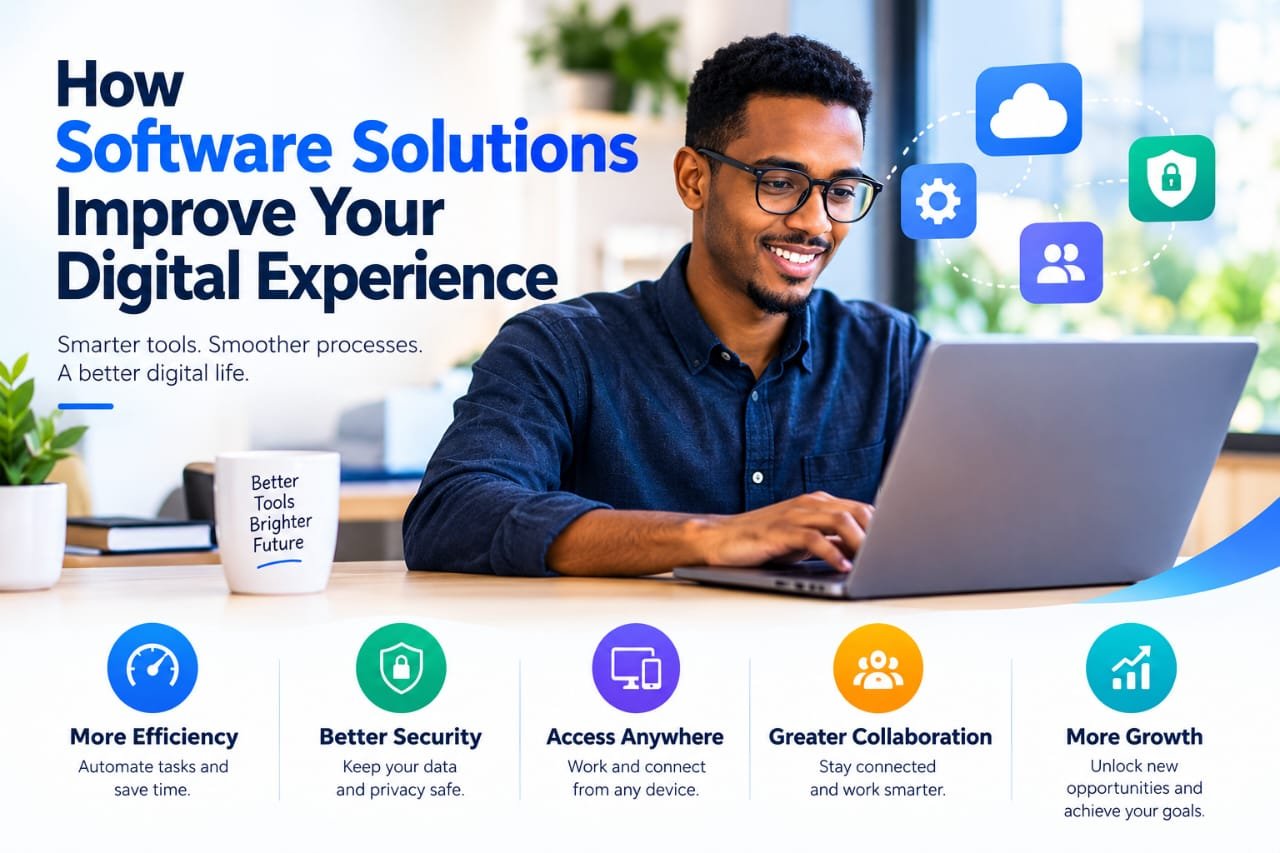
In today’s digital world, your laptop is more than just a device. It is a workspace, learning platform, creative studio, communication tool, and gateway to countless digital experiences.
But having a powerful laptop is only part of the equation. The software you use can have an equally important impact on how effectively you work, study, create, communicate, and manage everyday tasks.
The right software solutions can transform a basic laptop into a smarter, more efficient, and more personalized digital environment.
At ZolarFinds, we believe technology should work around you—not the other way around. That is why discovering software that matches your needs, workflow, lifestyle, and budget is an important part of making better technology choices.
What Are Software Solutions?
Software solutions are digital tools and applications designed to help users solve problems, complete tasks, improve productivity, or achieve specific goals.
They can range from simple note-taking and productivity applications to advanced business platforms, creative software, security tools, communication solutions, and AI-powered applications.
The goal is not to install as many programs as possible. The goal is to find the right software solutions for the tasks that matter most to you.
A student, for example, may need research, writing, organization, and learning tools. A professional may prioritize project management, communication, productivity, and collaboration. A creator may need powerful applications for video editing, graphic design, photography, or audio production.
Different users need different digital solutions.
How Software Can Transform Your Digital Experience
The right software can make everyday technology feel faster, simpler, and more useful.
Instead of spending time searching for information, organizing files, repeating tasks, or switching between disconnected tools, carefully selected software can help bring everything into a more efficient workflow.
Here are some of the most important ways software solutions can improve your digital experience.
1. Improve Productivity
One of the biggest advantages of modern software is the ability to help you accomplish more in less time.
Productivity software can help you:
- Organize tasks and projects
- Create schedules and reminders
- Manage documents
- Take notes
- Track important information
- Automate repetitive tasks
- Manage your time more effectively
The right productivity tools can reduce unnecessary work and allow you to focus on what actually matters.
Instead of relying entirely on memory or manual processes, you can use software to create a more organized digital workflow.
2. Make Everyday Tasks Easier
Technology should simplify your life, not make it more complicated.
Software solutions can turn time-consuming tasks into simple processes. From managing files and editing documents to communicating with others and organizing information, the right tools can reduce unnecessary effort.
For example, a cloud storage solution can make files accessible across devices, while a password manager can simplify account management and help you avoid remembering dozens of passwords.
Small improvements across multiple tasks can make a significant difference to your overall digital experience.
3. Enhance Creativity
For creators, software can become an essential part of the creative process.
Whether you are editing photographs, producing videos, designing graphics, creating presentations, or working with audio, the right creative software can give you the tools to turn ideas into finished projects.
Modern creative applications also continue to introduce advanced features such as automation, intelligent editing, templates, and AI-assisted workflows.
This means users can spend less time dealing with technical processes and more time focusing on creativity.
4. Strengthen Digital Security
A great digital experience should also be a secure one.
Security software can help protect your laptop, files, accounts, and personal information from common digital threats.
Useful security solutions may include:
- Antivirus and malware protection
- Password managers
- Privacy tools
- Secure backup solutions
- File protection tools
- Identity and account security applications
Security should not be treated as an optional extra. It is an important part of building a reliable digital environment.
5. Improve Communication and Collaboration
Modern work and education are increasingly connected.
People can work with colleagues, communicate with customers, attend online meetings, and collaborate on projects without being in the same location.
Communication and collaboration software can make this possible by providing features such as:
- Video meetings
- Instant messaging
- File sharing
- Team collaboration
- Shared documents
- Project management
- Remote communication
The right tools can help individuals and teams stay connected while reducing communication barriers.
6. Support Learning and Education
Software has also transformed the way people learn.
Students and independent learners can use educational platforms, digital note-taking tools, research applications, language-learning software, and productivity tools to create a more flexible learning environment.
Instead of depending entirely on traditional resources, users can access information, organize study materials, practice new skills, and collaborate with others from their laptops.
The right software can effectively turn a laptop into a personalized learning workspace.
7. Help Businesses Work Smarter
For businesses, software is more than a convenience. It can become an essential part of daily operations.
Business software can help organizations manage:
- Customers
- Marketing campaigns
- Sales
- Projects
- Finances
- Communication
- Data
- Team collaboration
Marketing software, for example, can help businesses manage campaigns, understand customer behavior, measure performance, and make better decisions.
When businesses choose software carefully, they can reduce repetitive work while improving efficiency and organization.
8. Create a More Personalized Digital Workspace
No two users work in exactly the same way.
That is why personalization is one of the most valuable benefits of modern software.
You can build a digital environment around your own priorities by selecting tools that match your workflow.
A student might create a workspace focused on learning and organization.
A marketer may prioritize analytics, content creation, communication, and campaign management.
A creator may build a powerful environment around design, video, photography, and content production.
Your software should support the way you work.
Software and Laptop Performance
Choosing good software is important, but compatibility matters too.
Even an excellent application can create a poor experience if your laptop does not have the hardware required to run it properly.
Before installing demanding software, consider:
- Processor performance
- RAM
- Available storage
- Graphics capability
- Operating system compatibility
- Internet requirements
This is particularly important for demanding tasks such as video editing, 3D design, programming, gaming, and professional creative work.
A balanced combination of hardware and software can provide a much smoother digital experience.
More Software Does Not Always Mean Better
It can be tempting to install every interesting application you discover.
However, more software does not necessarily mean more productivity.
Too many unnecessary applications can consume storage, run background processes, create distractions, and make your digital environment harder to manage.
Instead, focus on quality over quantity.
Ask yourself:
Does this software solve a real problem for me?
If the answer is no, you may not need it.
A smaller collection of useful tools can often create a better experience than a laptop filled with applications you rarely use.
How to Choose Better Software Solutions
Finding the right software does not have to be complicated.
Start by identifying the problem you want to solve. Then compare several options before making a decision.
Consider:
Purpose: What do you need the software to accomplish?
Features: Does it provide the functions you actually need?
Ease of use: Can you learn and use it without unnecessary complexity?
Compatibility: Does it work properly with your laptop and operating system?
Price: Does the cost match your budget and the value you receive?
Security: Does the developer provide regular updates and security improvements?
Scalability: Can the software continue to meet your needs as they grow?
Taking a few minutes to evaluate these factors can prevent you from choosing software simply because it is popular.
Free or Paid Software?
Free software can be an excellent option for users who are experimenting with a new category or working with a limited budget.
Paid software, however, may provide advanced features, professional support, greater functionality, or additional security options.
The best choice depends on the value you receive.
A free application may be perfect for a simple task, while a paid solution may be worthwhile if it saves significant time or provides essential professional features.
The smartest approach is to compare value, not just price.
The Future of Digital Experiences
Software is evolving rapidly.
Artificial intelligence, automation, cloud computing, advanced collaboration tools, and smarter productivity platforms are changing how people interact with technology.
In the future, software will increasingly adapt to individual users, automate repetitive processes, understand context, and help people accomplish tasks more efficiently.
This makes software discovery increasingly important.
Choosing the right laptop gives you the hardware foundation. Choosing the right software gives that hardware purpose.
Build a Smarter Digital Experience with ZolarFinds
Your digital experience should be designed around the way you live, work, study, and create.
The right software solutions can improve productivity, simplify everyday tasks, strengthen security, support creativity, and help you get more value from your laptop.
But finding the right tools is not about choosing the most expensive or most popular software.
It is about discovering what actually works for you.
At ZolarFinds, our goal is to make technology discovery easier by helping you explore laptops and software that match your needs, lifestyle, and budget.
Discover Better Technology
Find the right laptop. Discover the right software. Build a smarter digital experience with ZolarFinds.