


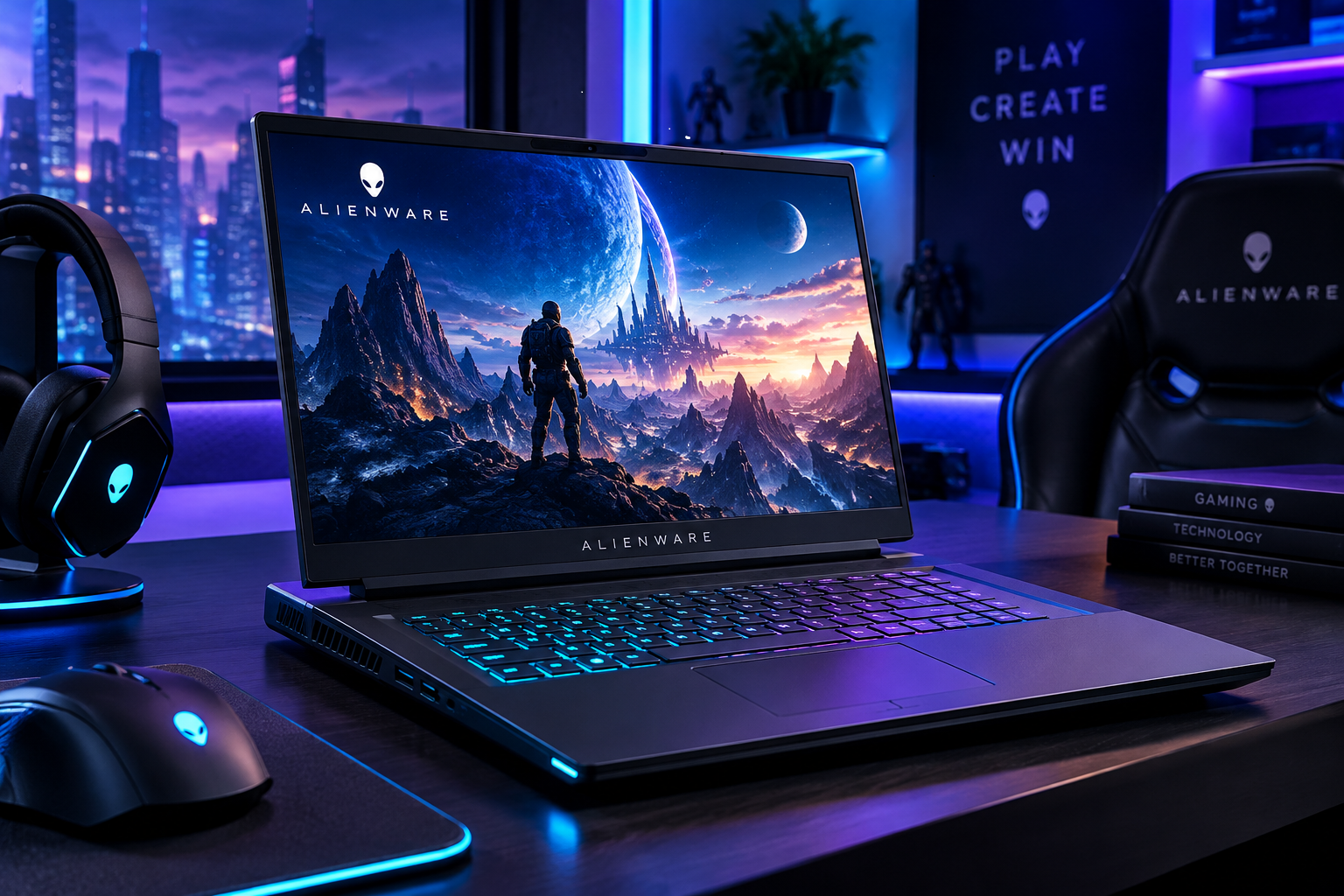
Introduction: Discover the Power of Alienware
In the world of modern gaming, choosing the right laptop can make a significant difference to your performance, creativity, and overall digital experience. Whether you enjoy competitive gaming, explore visually demanding open-world adventures, stream your gameplay, or create digital content, your laptop needs to deliver the right balance of speed, graphics, cooling, and reliability.
Alienware, a premium gaming brand from Dell, is known for designing high-performance gaming laptops that combine powerful hardware, distinctive styling, advanced cooling technologies, and immersive displays. Its laptop range includes options for gamers seeking a more accessible entry into PC gaming as well as enthusiasts who want high-end performance.
But is an Alienware laptop the right choice for you? Understanding its features, strengths, limitations, and available configurations can help you make a more informed decision.
1. What Is Alienware?
Alienware is a gaming-focused computer brand owned by Dell Technologies. It specializes in gaming laptops, desktop computers, and gaming accessories designed for demanding digital experiences.
Unlike ordinary laptops built primarily for everyday tasks, Alienware systems are engineered around the needs of gamers who require stronger graphics performance, responsive displays, capable processors, and cooling systems that support sustained workloads.
However, Alienware is not exclusively for gaming. Depending on the hardware configuration, an Alienware laptop can also support video editing, 3D rendering, software development, streaming, and other demanding creative tasks.
Its core appeal lies in combining performance-focused engineering with a recognizable design and a gaming-oriented software experience.
2. Alienware Gaming Laptop Series Explained
Alienware offers different laptop families to suit different performance requirements, portability preferences, and budgets. Current models and configurations vary by market.
Alienware Area-51: High-End Gaming Performance
The Area-51 family is designed for gamers seeking flagship-level performance. Available configurations can include powerful Intel processors, NVIDIA GeForce RTX laptop graphics, high-refresh-rate displays, and advanced thermal systems.
These systems are worth considering if you regularly play demanding AAA games, stream gameplay, work with complex creative projects, or want a laptop capable of handling intensive applications.
The trade-off is that high-performance configurations can be expensive, heavier to carry, and more demanding on battery power.
Alienware Aurora: Performance for Gaming and Everyday Productivity
The Aurora family offers a combination of gaming performance and practical versatility. Depending on the model, you can find powerful graphics, modern processors, fast displays, and configurations suited to multitasking.
Aurora laptops may appeal to users who want a single computer for gaming, studying, office work, content creation, and entertainment.
When comparing Aurora models, pay attention to the exact graphics processor, memory capacity, display specifications, and cooling design rather than relying on the family name alone.
Alienware 15: An Entry Point into Alienware Gaming
The Alienware 15 range is designed to make the brand’s gaming experience accessible to a wider audience. Configurations can include modern AMD Ryzen or Intel Core processors, dedicated NVIDIA GeForce RTX graphics, and fast-refresh displays.
It may be a practical starting point for students who enjoy gaming, first-time gaming laptop buyers, and users looking for capable performance without necessarily choosing a flagship model.
Before purchasing, compare the specific configuration with competing laptops at the same price. The best value depends on the hardware, build quality, display, warranty, and local availability.
Explore the official range here: https://www.dell.com/en-us/shop/alienware/gaming/laptops
3. Powerful Hardware: The Foundation of Gaming Performance
A gaming laptop’s real capabilities depend on how its internal components work together. Alienware configurations can offer powerful hardware, but understanding each component helps you select the right system.
Processor (CPU)
The CPU manages essential computing tasks, game logic, background applications, and many productivity workloads.
A modern, high-performance processor can help maintain smooth gameplay, improve multitasking, and reduce bottlenecks in processor-intensive applications.
For competitive gaming, simulation games, streaming, and creative work, compare processor generations and performance rather than choosing a laptop based solely on a familiar brand name.
Graphics Processing Unit (GPU)
The GPU is one of the most important components in a gaming laptop because it handles the rendering of images, lighting, textures, and visual effects.
Many Alienware configurations offer NVIDIA GeForce RTX laptop graphics. Depending on the GPU, supported games, and software, these graphics processors can provide access to technologies such as ray tracing and AI-assisted upscaling.
A stronger GPU is particularly valuable for high-resolution gaming, visually demanding titles, 3D applications, and GPU-accelerated creative workflows.
Remember that laptop GPUs are not necessarily equivalent in performance to desktop versions carrying similar names. Power limits, cooling, and the laptop’s overall design also influence real-world results.
RAM: Better Multitasking
RAM helps your computer manage active applications and their working data.
- 16GB RAM: A reasonable starting point for many modern gaming and everyday workloads.
- 32GB RAM: Worth considering for demanding games, streaming, extensive multitasking, and many creative workflows.
- 64GB RAM or more: Potentially useful for specialized professional workloads, large projects, and intensive applications.
The right amount depends on your applications and whether the memory can be upgraded later.
SSD Storage: Faster Access to Games and Files
Solid-state storage helps your operating system start quickly, applications load efficiently, and games access their files with less waiting.
A 1TB SSD is a useful target for many gamers because modern games can occupy substantial amounts of storage. Users with large game libraries or extensive video projects may benefit from 2TB or more.
Check the laptop’s available storage capacity, expansion options, and the type of SSD before buying.
4. Immersive Displays and Smooth Gameplay
A gaming laptop needs more than powerful hardware. The display determines how clearly you see the action and how responsive the experience feels.
Depending on the model, Alienware laptops can offer high-refresh-rate displays, different resolutions, and optional OLED panels.
High Refresh Rates
A display with a 165Hz, 240Hz, or higher refresh rate can show more frequent image updates than a standard 60Hz display.
This can make supported games feel smoother, especially in fast-paced competitive titles. However, the experience also depends on the game’s frame rate and the laptop’s ability to render frames.
Resolution and Image Quality
Higher resolutions can provide sharper images and more detailed environments, but they also require more graphics processing power.
Consider your priorities:
- Full HD or WUXGA can be practical for competitive gaming and balancing performance with image quality.
- QHD or WQXGA offers a sharper image for many gaming and creative applications.
- OLED options can deliver deep blacks, strong contrast, and vivid colors.
Not every configuration includes every display feature, so confirm the exact specifications of the model you intend to purchase.
5. Advanced Cooling: Supporting Sustained Performance
Gaming places significant demands on a laptop’s processor and graphics hardware. Without effective cooling, temperatures can rise and the system may reduce performance to protect its components.
Alienware uses cooling technologies across its range, including designs marketed under the Alienware Cryo-tech name. Depending on the model, these systems may use carefully designed airflow paths, heat pipes, vapor chambers, and specialized thermal materials.
Effective cooling helps the hardware sustain performance during extended gaming sessions and intensive workloads.
Nevertheless, cooling technology does not make a laptop silent or eliminate heat. Fan noise, surface temperatures, and thermal behavior vary according to the model, workload, room temperature, and performance settings.
For the best experience, use the laptop on a hard, stable surface, keep ventilation openings clear, and follow the manufacturer’s maintenance recommendations.
6. Alienware Design, Build Quality, and Keyboard Experience
Alienware laptops are recognizable for their distinctive gaming aesthetic, carefully designed chassis, and customizable lighting on supported models.
Depending on the configuration, materials may include aluminum and other structural materials intended to provide a solid construction.
The keyboard is another important consideration. Gaming-focused layouts, responsive keys, and optional mechanical-style keyboard technologies on selected models can enhance the experience for users who spend long periods gaming or typing.
However, design remains a personal preference. Some users enjoy bold gaming aesthetics, while others prefer a lighter laptop with a more understated appearance.
Consider keyboard comfort, touchpad quality, weight, dimensions, and port placement before deciding.
7. Alienware Software: More Control Over Your Gaming Experience
Hardware is only part of a gaming laptop. The software used to manage performance, lighting, updates, and connected devices also contributes to the overall experience.
Alienware Command Center
Alienware Command Center is a software application designed to manage supported Alienware features. Depending on the laptop and software version, available options may include lighting customization, performance-related controls, and gaming profiles.
It can help users personalize compatible features and manage parts of their gaming setup from a central interface.
Because supported functions differ between models, download the appropriate version through Dell’s official support resources.
Graphics Drivers and System Updates
Keeping graphics drivers and system software updated can improve compatibility, address known issues, and support newer games and applications.
For best results:
- Obtain drivers from official NVIDIA or Dell support channels.
- Install operating system updates from trusted sources.
- Review update instructions before changing firmware or BIOS settings.
- Avoid downloading unofficial driver packages from unfamiliar websites.
Game Launchers and Creative Applications
Depending on your needs, you may also use platforms such as Steam or Epic Games Store, communication tools such as Discord, and creative software for video editing, streaming, or 3D design.
Choose applications according to your requirements, check system compatibility, and review subscription costs before installing paid software.
Official software documentation: https://www.dell.com/support
8. Can Alienware Laptops Handle Video Editing and Content Creation?
Although Alienware is primarily associated with gaming, selected configurations can also be suitable for professional and creative work.
Video Editing
A capable CPU, dedicated GPU, sufficient RAM, and fast SSD storage can support demanding video-editing applications.
For 4K projects, 32GB RAM and a strong GPU can be useful starting points, although the best configuration depends on your editing software, footage, effects, and project complexity.
For 8K editing, advanced color grading, and complex effects, additional memory and graphics performance may be necessary.
Streaming and Recording
Gamers who stream or record gameplay can benefit from a capable processor, a suitable GPU with supported hardware encoding, adequate memory, and a reliable internet connection.
The laptop’s cooling capacity is also important because gaming and streaming simultaneously increase system demands.
Graphic Design and 3D Work
Alienware laptops can run many graphics, modeling, animation, and rendering applications.
However, if color accuracy is essential, evaluate the specific display’s color coverage and calibration. A high-refresh-rate gaming screen is not automatically the best choice for professional color-critical work.
9. Battery Life and Portability: What Should You Expect?
One of the biggest trade-offs with high-performance gaming laptops is portability.
Powerful processors and dedicated graphics can consume substantial energy under heavy workloads. As a result, battery life during demanding gaming is generally much shorter than during light browsing or document editing.
Performance can also change when the laptop is running on battery rather than connected to its power adapter.
Before buying, consider:
- How often you will carry the laptop.
- Whether you need to work away from a power outlet.
- The laptop’s actual weight, including its charger.
- Battery capacity and independent battery-life testing.
- Whether your preferred games perform well on battery power.
If you primarily play games at a desk, a larger, more powerful model may make sense. If you commute regularly or carry your laptop to classes, a lighter system could be more convenient.
10. How Much Does an Alienware Gaming Laptop Cost?
Alienware is generally positioned in the premium gaming market, although prices differ considerably by model, configuration, retailer, and region.
The cost can increase with a more powerful GPU, a higher-end processor, a larger SSD, more memory, or an advanced display.
When evaluating the price, compare the entire package rather than looking at the headline specification alone.
Consider the following:
- Performance: Does the laptop meet your gaming or professional requirements?
- Display: Are the resolution, refresh rate, brightness, and color quality appropriate?
- Memory and storage: Will the configuration remain suitable as your needs grow?
- Cooling and noise: Can the system sustain its performance comfortably?
- Warranty and support: Is dependable local or international support available?
- Total ownership cost: Will you need additional accessories, storage, or software subscriptions?
If you live in a market where Alienware models are imported, also verify the seller’s reputation, warranty coverage, return policy, and final price after shipping and applicable taxes.
Always check current prices directly with the seller because promotional offers and regional availability can change.
11. Advantages and Disadvantages of Alienware Laptops
Key Advantages
- Strong gaming performance: Selected configurations are designed for demanding modern games.
- Dedicated graphics: Available GPUs can support advanced gaming visuals and GPU-accelerated creative work.
- Premium design: Distinctive styling and carefully constructed chassis designs appeal to many enthusiasts.
- High-refresh-rate displays: Selected models offer responsive screens for fast-paced gaming.
- Gaming-focused cooling: Thermal designs aim to support demanding workloads.
- Useful software controls: Supported Command Center features can help personalize the gaming experience.
Potential Disadvantages
- Premium pricing: Some configurations cost significantly more than competing gaming laptops.
- Limited portability: High-performance models can be heavy and require substantial power adapters.
- Battery limitations: Demanding gaming workloads can drain the battery quickly.
- Fan noise and heat: Intensive workloads can produce noticeable noise and warmth.
- Configuration differences: Features and upgrade options vary by model and region.
- Repair and upgrade considerations: Access to components and upgradeability depend on the specific design.
The right choice depends on whether these trade-offs align with your priorities and budget.
12. How to Choose the Right Alienware Laptop for Your Needs
Before purchasing, define what you want the laptop to accomplish.
For competitive gaming: Prioritize a capable GPU, a high-refresh-rate display, responsive controls, and consistent performance.
For demanding AAA games: Look for a stronger GPU, sufficient RAM, fast SSD storage, and effective cooling.
For students: Balance gaming performance with weight, battery life, price, and portability. You may not need a flagship configuration.
For video editors and creators: Consider CPU and GPU performance, RAM capacity, storage requirements, display quality, and application compatibility.
For streamers: Look for sufficient processing power, hardware encoding support, reliable connectivity, and enough memory to run multiple applications simultaneously.
For buyers on a limited budget: Compare entry-level Alienware configurations with competing gaming laptops. A less expensive model with well-balanced components can be a better purchase than a premium model whose additional performance you will rarely use.
Most importantly, compare the exact laptop configuration rather than assuming that every Alienware model delivers the same experience.
13. Alienware vs. Ordinary Laptops: Which Is Better?
An Alienware laptop is not automatically better for every user.
A standard productivity laptop may be a better choice if your main activities are browsing, office work, video calls, studying, and light applications. It may offer lower weight, longer battery life, and a lower purchase price.
A gaming laptop becomes more attractive when you need dedicated graphics, high frame rates, advanced visual effects, or the ability to run demanding creative applications.
Your decision should be based on what you actually do, not simply on which laptop has the most impressive specifications.
14. Is an Alienware Laptop Worth Buying?
Alienware can be a worthwhile investment for gamers and creators who need strong performance, high-quality display options, and gaming-focused engineering.
Its higher-end systems are particularly appealing to users who value performance and are comfortable paying a premium. Other models may offer a more balanced approach for buyers who want gaming capabilities alongside everyday productivity.
However, the best gaming laptop is not necessarily the most expensive one. It is the system that delivers the right combination of performance, comfort, reliability, and value for your individual needs.
Before making your final decision, compare current models, review independent performance tests, and check the precise specifications and warranty terms available in your region.
Frequently Asked Questions About Alienware
Is Alienware a good gaming laptop brand?
Alienware is a well-known premium gaming brand offering performance-focused laptops. Whether it is the best choice depends on your budget, preferred games, portability requirements, and the specifications of the model you are considering.
Are Alienware laptops suitable for everyday work?
Yes. They can handle many everyday tasks, including browsing, office applications, online meetings, studying, and multitasking. However, their weight, price, and battery characteristics may make a conventional laptop more practical for some users.
Can Alienware laptops run demanding modern games?
Many Alienware configurations are designed for demanding games. Actual performance depends on the GPU, CPU, resolution, graphics settings, cooling, and the individual game’s requirements.
How much RAM should an Alienware laptop have?
For many gaming setups, 16GB is a reasonable starting point, while 32GB provides more flexibility for demanding games, streaming, and creative workloads. Specialized tasks may benefit from additional memory.
Does Alienware include gaming software?
Supported systems may include Alienware Command Center, which provides access to certain device-management and customization features. Exact functionality depends on the model and installed software version.
Are Alienware laptops good for video editing?
Selected models can be well suited to video editing because of their powerful processors and dedicated graphics. For professional projects, also evaluate RAM, SSD capacity, display color accuracy, and the requirements of your editing software.
Where can I buy an Alienware laptop?
Start with Dell’s official Alienware laptop store to review models and configurations. You can also compare reputable authorized retailers in your country, checking warranty coverage and return terms before purchasing.
Official store: https://www.dell.com/en-us/shop/alienware/gaming/laptops
Final Thoughts: Find the Right Gaming Laptop for Your Lifestyle
Alienware represents a performance-focused approach to modern computing, bringing together gaming hardware, immersive displays, cooling technology, and software customization.
Whether you are a competitive gamer, a student who enjoys gaming, a content creator, or a professional who needs graphics performance, the right model can provide a versatile platform for entertainment and demanding digital work.
The smartest buying decision begins with understanding your needs, comparing real-world performance, and choosing specifications that offer lasting value.
At ZolarFinds.com, our goal is to help you discover laptops and software that match your lifestyle, needs, and budget. Explore your options, compare carefully, and choose technology that works for you.