


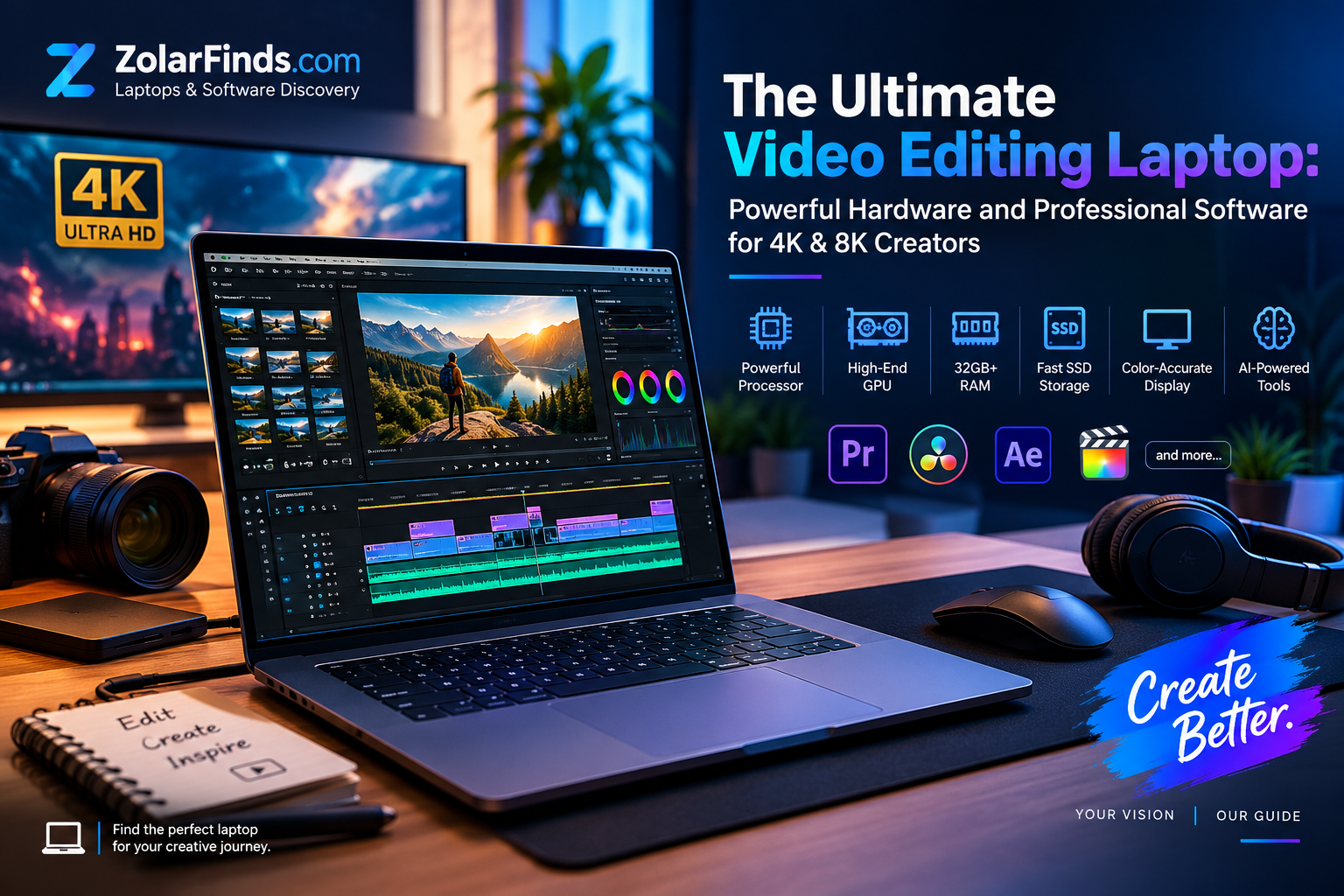
Video editing has entered a new era. Modern creators are no longer working only with simple Full HD footage. Today, filmmakers, YouTubers, content creators, marketers, and professional editors are working with 4K, 6K, and 8K video, advanced color grading, visual effects, motion graphics, and AI-powered creative tools.
That means choosing the right laptop for video editing requires more than simply looking at its processor or screen.
A truly powerful video editing laptop needs the right combination of processing power, graphics performance, memory, storage, display quality, cooling, and professional software. When these elements work together, your laptop becomes a complete creative workstation capable of handling demanding projects efficiently.
Why Your Laptop Matters for Professional Video Editing
Video editing is one of the most demanding tasks you can perform on a laptop.
When you edit high-resolution footage, your system may need to decode large video files, generate previews, apply effects, process transitions, perform color grading, and render the final project—all at the same time.
A weak laptop can quickly become a bottleneck.
You may experience:
- Slow timeline playback
- Long rendering times
- Delayed previews
- Software crashes
- Overheating
- Limited multitasking
- Problems working with high-resolution footage
A powerful laptop, however, can provide a smoother editing experience and allow you to focus more on creativity instead of waiting for your computer.
What Makes the Ultimate Video Editing Laptop?
The best laptop for video editing is not necessarily the most expensive one. Instead, it is the laptop that provides the right balance between performance, reliability, portability, and software compatibility.
Here are the key components to consider.
1. A Powerful Processor
The CPU plays an important role in video editing, especially when handling encoding, decoding, rendering, exporting, and multitasking.
For serious editing, look for a modern high-performance processor with multiple cores and strong sustained performance.
A powerful CPU becomes especially valuable when you are:
- Editing long-form 4K footage
- Exporting large projects
- Working with multiple video layers
- Using motion graphics
- Running several creative applications simultaneously
For professional creators, a high-end processor can significantly reduce waiting time during demanding workflows.
2. A Dedicated High-End GPU
If the CPU is the brain of your editing system, the GPU is one of its most important performance engines.
Modern video editing applications increasingly use GPU acceleration for effects, color processing, playback, AI features, and rendering.
For advanced editing, consider laptops equipped with powerful dedicated graphics such as modern NVIDIA GeForce RTX GPUs or equivalent professional-class graphics solutions.
A strong GPU becomes particularly useful for:
- 4K and 8K editing
- GPU-accelerated effects
- Color grading
- AI-powered features
- Motion graphics
- 3D workflows
- High-resolution timeline playback
For creators working with demanding projects, GPU performance can make the difference between a smooth workflow and constant waiting.
3. Plenty of RAM
RAM is essential when working with large video files and multiple applications.
For modern video editing, 32GB of RAM is an excellent starting point for serious 4K workflows, while professionals working with 6K, 8K, complex effects, or large projects may benefit from 64GB or more.
More memory allows you to work comfortably with applications such as:
- Adobe Premiere Pro
- Adobe After Effects
- DaVinci Resolve
- Photoshop
- Audition
- Blender
If your workflow involves switching between several creative applications, additional RAM can make multitasking significantly smoother.
4. Fast and Spacious SSD Storage
Video files can consume storage incredibly quickly.
A single project can contain hundreds of gigabytes of footage, proxies, audio files, graphics, previews, and exported versions.
For this reason, a modern video editing laptop should have a fast SSD.
A good configuration might include:
1TB SSD: Suitable for lighter professional workflows.
2TB SSD: A much better option for serious creators.
4TB or more: Ideal for large libraries and professional production workflows.
However, internal storage should not be your only solution. External high-speed SSD storage can also provide additional space for footage and project archives.
5. A Professional Display
A powerful laptop with a poor display is not an ideal video editing machine.
Editors need to see their footage accurately, especially when working with color correction and grading.
Look for a display with:
- High resolution
- Excellent color accuracy
- Wide color gamut
- Strong contrast
- High brightness
- Consistent viewing angles
- A suitable refresh rate
OLED and high-quality Mini-LED displays can provide excellent contrast and impressive image quality, making them attractive choices for modern creators.
For professional color work, however, specifications such as color accuracy and color-space coverage matter more than simply having a beautiful-looking screen.
The Software Powering Your Creative Workflow
Hardware is only half of the equation.
The right software can transform a powerful laptop into a complete professional editing workstation.
Adobe Premiere Pro
Adobe Premiere Pro remains one of the most recognized professional video editing platforms.
It provides a comprehensive environment for:
- Video editing
- Audio editing
- Color workflows
- Motion graphics integration
- Multi-camera projects
- Professional exports
- AI-assisted creative workflows
Its integration with other Adobe applications makes it especially useful for creators who already work within the Adobe ecosystem.
DaVinci Resolve
DaVinci Resolve has become a powerful choice for creators who want professional editing, color grading, visual effects, and audio production within one application.
Its major strengths include:
- Professional color grading
- Video editing
- Visual effects
- Motion graphics
- Audio post-production
- AI-powered creative tools
For creators who place a strong emphasis on cinematic color and advanced post-production, DaVinci Resolve can be an excellent choice.
Adobe After Effects
If your projects include motion graphics, animated titles, visual effects, or compositing, After Effects can become an important part of your workflow.
It works particularly well alongside Premiere Pro.
For example, you might edit your main video in Premiere Pro and send individual compositions to After Effects for advanced visual effects and animation.
Final Cut Pro
For Mac users, Final Cut Pro provides a powerful editing environment designed specifically for Apple’s ecosystem.
Its optimized workflow and integration with Apple hardware make it a popular choice among professional and independent creators.
4K vs 8K: How Much Power Do You Really Need?
Not every creator needs an 8K editing workstation.
For many YouTubers, marketers, students, and content creators, 4K provides more than enough resolution.
However, 8K workflows can provide additional flexibility for professional production.
For example, an editor can use an 8K source to:
- Crop into footage
- Reframe shots
- Stabilize footage
- Create multiple compositions
- Produce high-quality 4K exports
The trade-off is that 8K editing demands significantly more storage, memory, GPU performance, and processing power.
If you regularly work with 8K footage, choosing a high-end laptop becomes much more important.
AI Is Changing Video Editing
One of the biggest developments in modern creative software is the integration of artificial intelligence.
AI can help creators automate repetitive tasks and speed up parts of the editing process.
Modern creative workflows can include AI-assisted capabilities such as:
- Automatic transcription
- Speech enhancement
- Object selection
- Background removal
- Scene detection
- Generative tools
- Noise reduction
- Automatic reframing
- Smart masking
This is another reason why choosing a modern laptop with strong GPU performance can be valuable.
The future of video editing is not simply about higher resolution. It is increasingly about intelligent workflows that combine human creativity with powerful computing and AI.
Cooling Matters More Than You Think
Performance specifications tell only part of the story.
A laptop may have an extremely powerful processor and GPU, but if its cooling system cannot maintain performance under sustained workloads, performance can decrease during long editing sessions.
Video rendering can keep your CPU and GPU under heavy load for extended periods.
Look for laptops with:
- Effective thermal design
- Multiple cooling fans
- Adequate ventilation
- Strong sustained performance
- Reliable power management
For professional editors, sustained performance can be more important than short benchmark bursts.
Battery Life vs Performance
There is always a balance between portability and performance.
High-performance laptops can consume considerable power when rendering or exporting video.
If you frequently edit while traveling, look for a machine that offers a strong balance between battery efficiency and performance.
If your laptop will primarily stay on a desk, maximum performance may be more important than battery life.
The ideal choice depends on your workflow.
The Ultimate Video Editing Laptop Configuration
For creators who want a powerful long-term machine, a high-end configuration could look like this:
Processor: High-performance modern CPU
GPU: High-end dedicated GPU
RAM: 32GB–64GB or more
Storage: 2TB+ high-speed SSD
Display: High-resolution, color-accurate OLED or Mini-LED
Connectivity: High-speed USB, Thunderbolt or equivalent, HDMI, and fast networking
Cooling: Advanced thermal system
Software: Premiere Pro, DaVinci Resolve, After Effects, or Final Cut Pro
This type of configuration is designed for creators who want to work with demanding projects without constantly fighting hardware limitations.
Who Needs This Level of Laptop?
A high-end video editing laptop is particularly useful for:
🎥 Professional Video Editors
For editors working on commercial, documentary, corporate, or cinematic projects.
🎬 YouTubers and Content Creators
For creators producing high-quality videos regularly.
📱 Social Media Creators
For creators producing Reels, Shorts, TikTok videos, advertisements, and branded content.
🎨 Motion Graphics Designers
For professionals using After Effects and other demanding creative tools.
📸 Filmmakers
For creators working with high-resolution camera footage and professional color workflows.
💼 Marketing Professionals
For marketers producing advertisements, product videos, campaigns, and social media content.
The Smart Way to Choose Your Video Editing Laptop
Instead of asking:
“What is the most powerful laptop?”
Ask:
“What type of creative work will I actually perform?”
A content creator editing 1080p and occasional 4K videos does not necessarily need a massive workstation.
A professional filmmaker working with 8K RAW footage, advanced color grading, visual effects, and AI tools may need one of the most powerful laptops available.
Your workflow should determine your specifications.
Final Thoughts
The ultimate video editing laptop is more than a collection of impressive specifications.
It is a complete creative platform that combines powerful hardware, professional software, accurate visuals, fast storage, efficient cooling, and modern AI capabilities.
Whether you are producing YouTube videos, editing cinematic 8K footage, creating marketing campaigns, designing motion graphics, or building a professional creative business, the right laptop can dramatically improve your workflow.
The goal is not simply to buy the most expensive machine.
The goal is to choose a laptop that gives your creativity the performance it needs today—and enough power to keep up with tomorrow’s creative technologies.
At ZolarFinds, the mission is simple: help you discover laptops and software that fit your lifestyle, needs, and creative goals.